
How to instruct the WCB AI assistant with valid prompts
Learn how to use the WCB prompts assistant to produce valid responses

Adding a save configuration option can positively impact conversions. Learn why this option is so important
Continue reading
Learn how to use the WCB prompts assistant to produce valid responses

With increasing options, configurators can become confusing. Use conditional logic to structure your options well.

Explore beautiful WooCommerce themes that pair exceptionally well with configurator plugins like WCB

Learn the best practices for product configurator layouts to maximize sales

Learn how you can maximize the value of customer purchases by offering add-on products
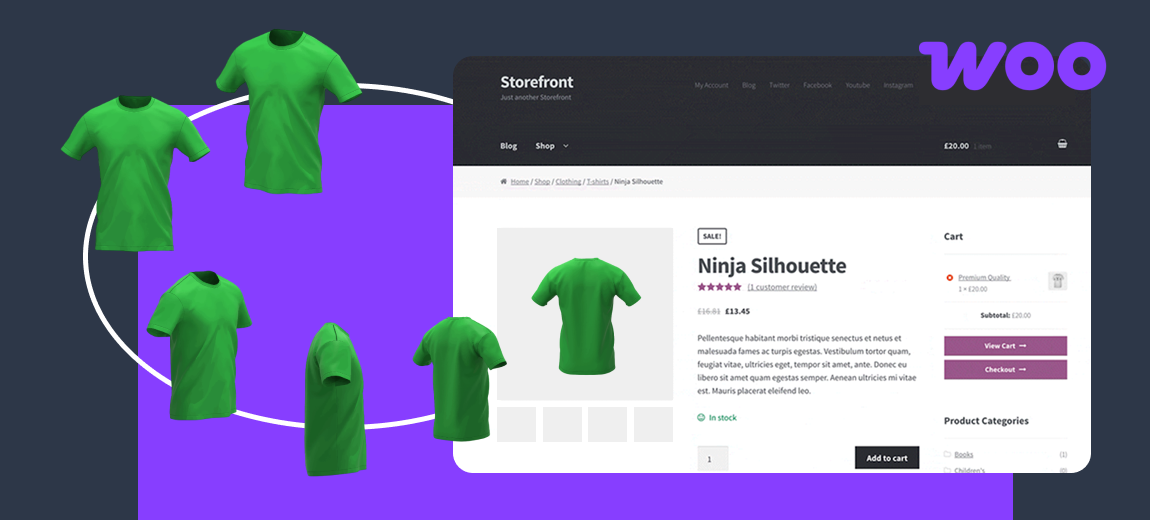
Show multiple images per variation to improve the user experience and boost your conversions
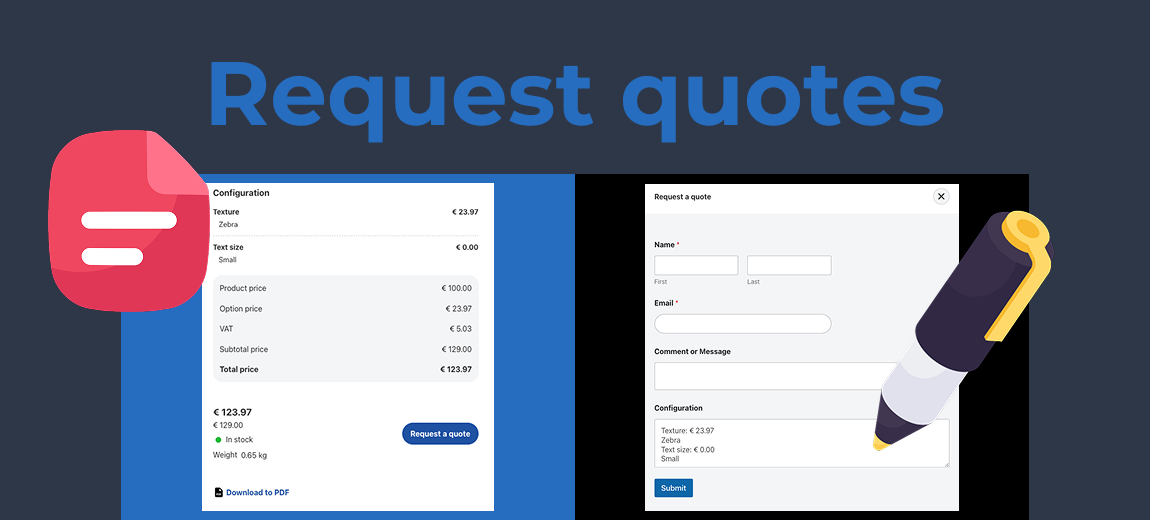
Learn how to enable customers to submit an inquiry for a tailored quote instead of an immediate purchase

Create highly customizable product experiences through percentage prices

Learn how to dynamically calculate and display unit prices based on customer-selected options

Learn how to set up product colors visually through color or image swatches in WCB

Learn how to export 3D models from Blender to use in your WCB configuration products

Dynamically generate product SKUs based on selected options for option-based configurations

Assigning the correct weight per option ensures accurate shipping calculations for logistics

Seamlessly link individual products together as options to enhance your sales potential

We will compare the most common personalization solutions and highlight their differences and use cases