Documentation

Home » Documentation » Visuals » Update 3D viewer scenes

Update 3D viewer scenes

In this article

The plugin also supports showing the 3D model in different environments. You can create so-called “scenes” to allow customers to view the product under different lightning circumstances.

For example, you can showcase product outside in the fields, in a hanger, and at night.

You can find the scene options in WCB > Configuration > Visuals:
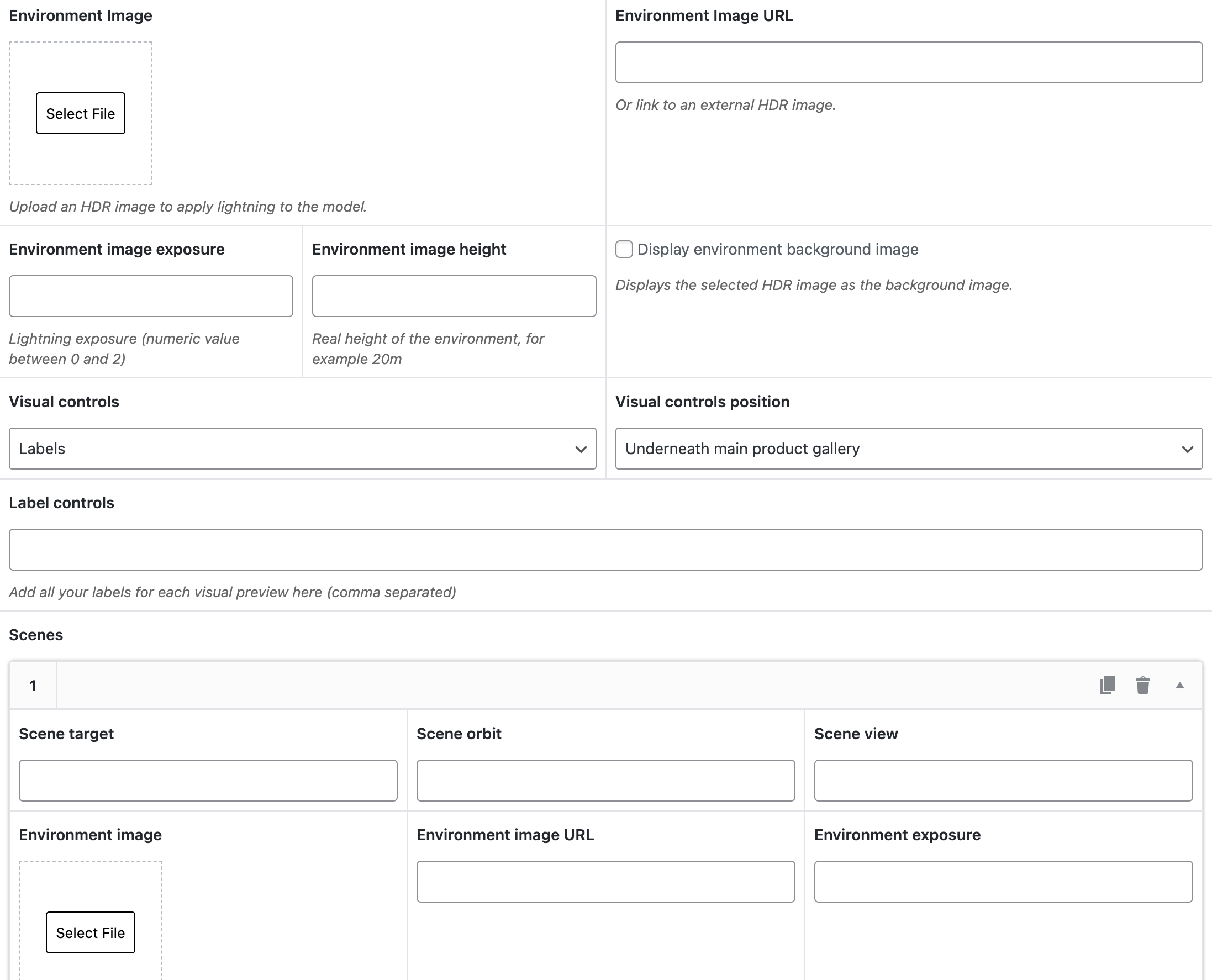
Creating scenes

Base scene

To be able to update scenes, you first have to define your base scene. You can add environment image, height and expose in the fields at the top.

Extra scenes

In the ‘scenes’ field, you can add additional scenes. You can set an image and exposure for each scene.

Note: only initial values will be updated. So if you are using environment image for lightning only, just the lightning will change when updating scenes.

Scene controls

Finally, you can choose to show controls to update scenes as labels or as thumbnails.

Previous

Update 3D camera view