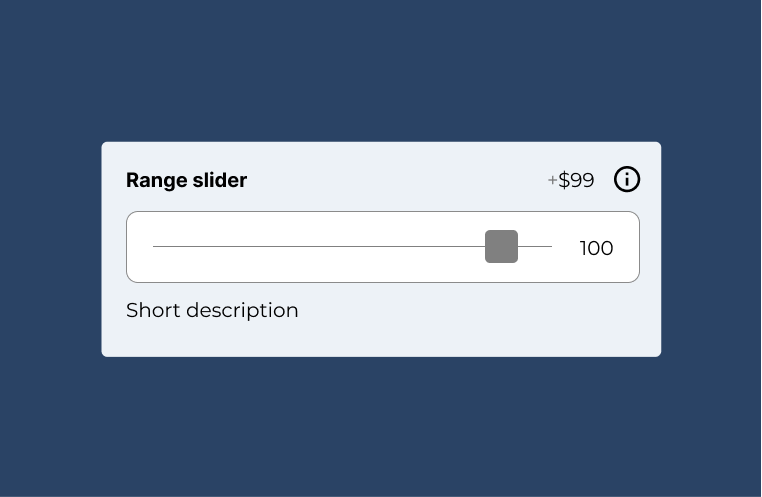
If you want the customer to select measurements, numbers, quantities or other numeric inputs from predefined range of numbers, you can best use the range slider input
Note: this field is part of the advanced fields add-on

Documentation
If you want the customer to select measurements, numbers, quantities or other numeric inputs from predefined range of numbers, you can best use the range slider input
Note: this field is part of the advanced fields add-on
To add new range slider field, head over to WCB > Inputs and add new input.
Next, select type “range slider” and configure the settings.
You can control unit, min, max, step and default value.
We also support decimal values. Simply enter your number and decimals separated with a dot, not a comma. And set the step accordingly (0.01, 0.1, etc).