


Step field group
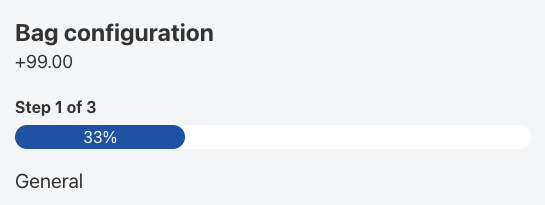
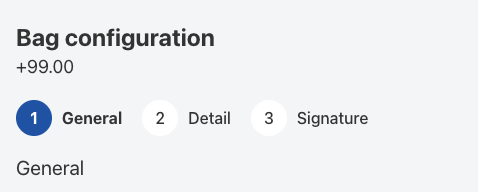
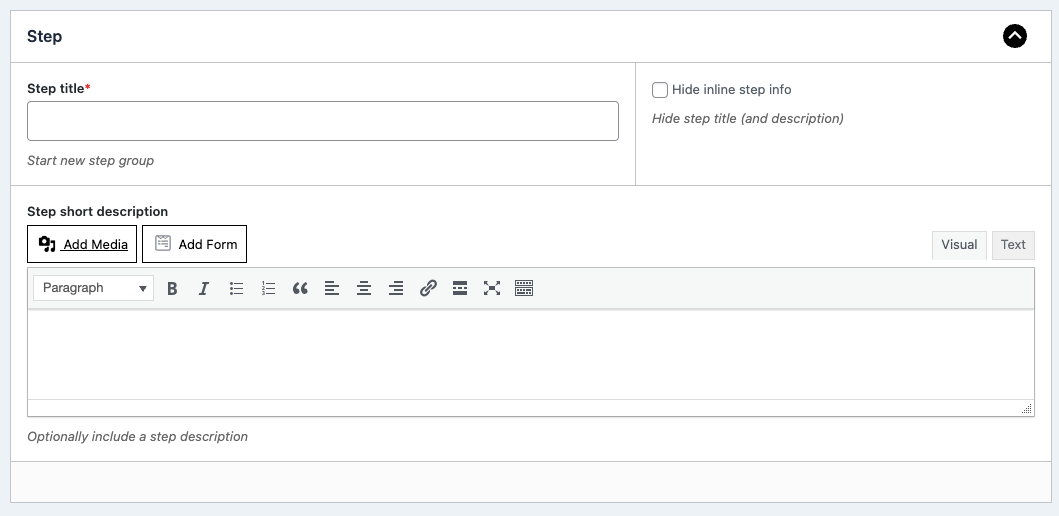
The step field group allows you to split up your configuration form into multiple steps.
Simply add a new step group to your configuration form and add in the choices and inputs as sub fields.
The multi step form will be created automatically for you. No need to configure additional settings.
View demo
Repeatable field group
The repeater field group will automatically create a repeatable group of the sub fields you add to a repeater field.
If you want to allow customers to add multiple rows of a product or item, the repeater field group will come in handy.
View demo
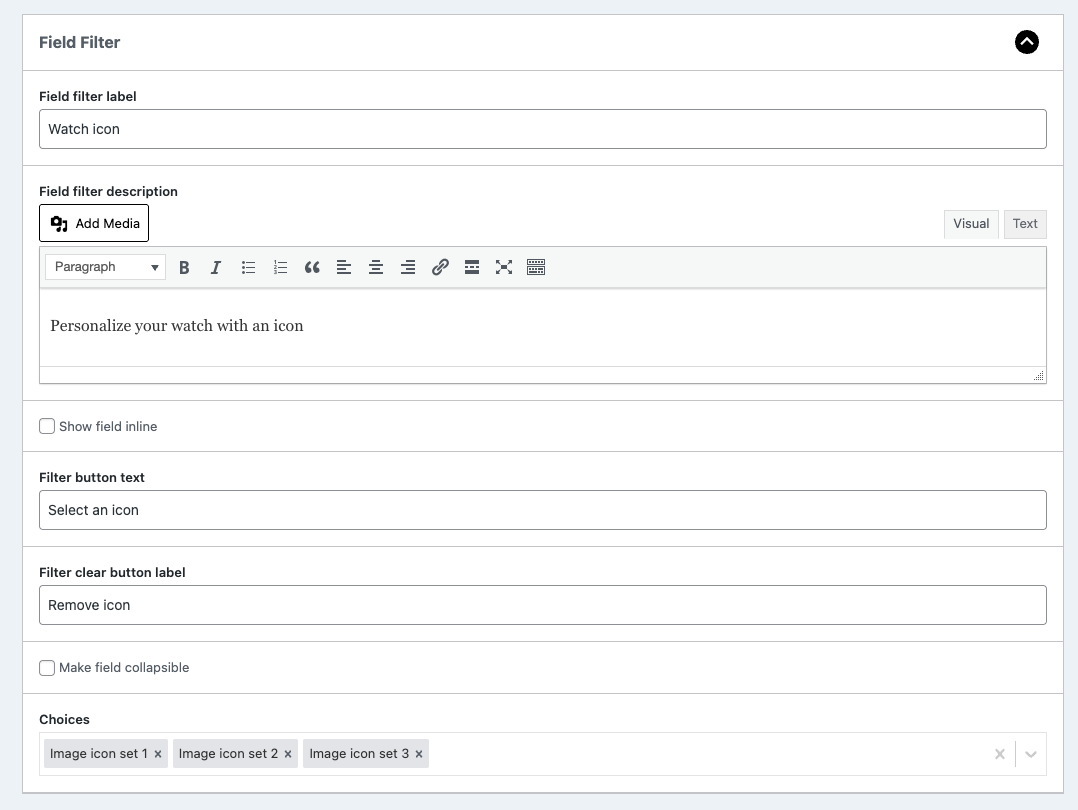
Panel field selection
The panel field selection allows you to store all field options in a panel.
On the configuration page you will only see button to select an option. In the popup, all options will be presented.
This can save you a lot of screen space when you have loads of options.
View demo
Field sliders
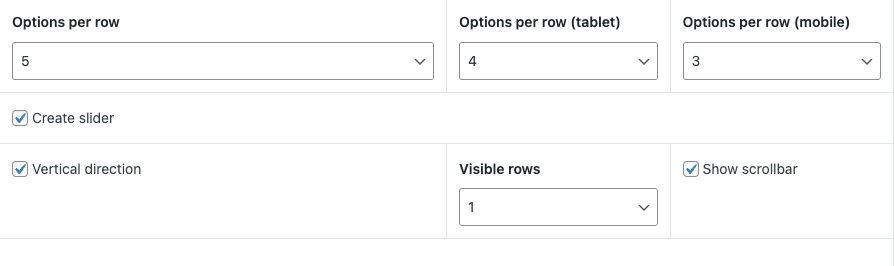
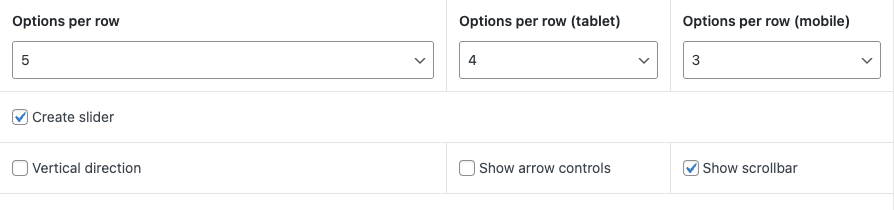
Save space and transform your swatches fields into horizontal or vertical sliders.
Note: this slider feature is only available for swatches template at the moment
Additional fields
Choose the plan that fits you best
Advanced fields
- Install on 1 site
- 12 month updates and support
- 14-day moneyback guarantee
Best value
Pro Bundle
$349 $149 /annual
$1049 $399 /once
- Get all our 8 add-ons for one price
- And any add-ons we make in the future
- Up to 25 sites license options
- 12 month updates and support
- 14-day moneyback guarantee

14-day no-risk money back guarantee
You are fully protected by our 100% money back guarantee. If you aren’t completely satisfied within 14 days of purchase, you’re more than welcome to a full refund!Installation guide

Purchase add-on
Use the purchase links on this page to get access to the add-on plugin files

Install and activate
Download the plugin files and upload as new plugin in your WordPress site. Note: make sure you have the free plugin installed as well.

Create swatch sliders
Head over to WCB > Choices and open up the Details tab. Now you see controls to enable swatch slider display

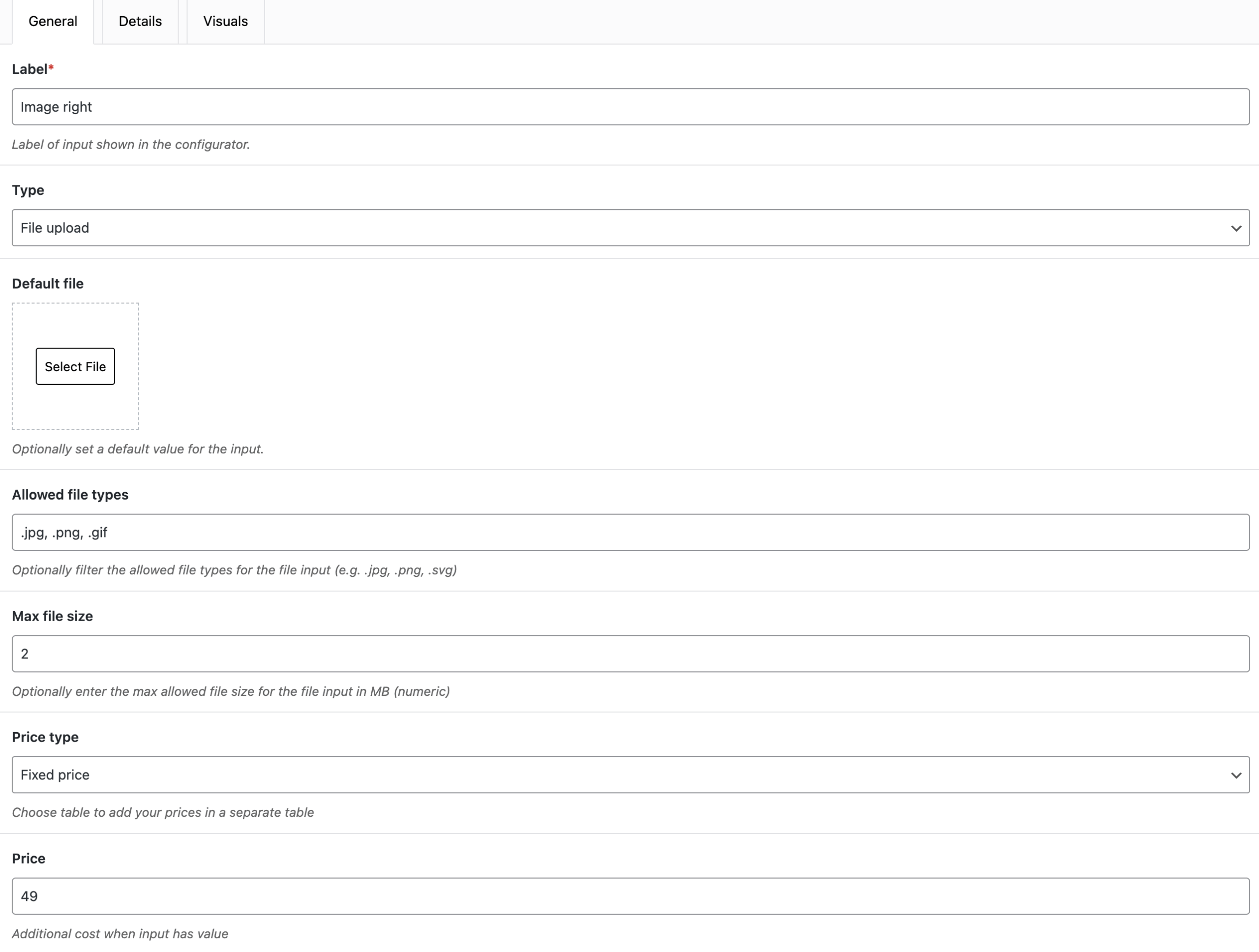
Add advanced input fields
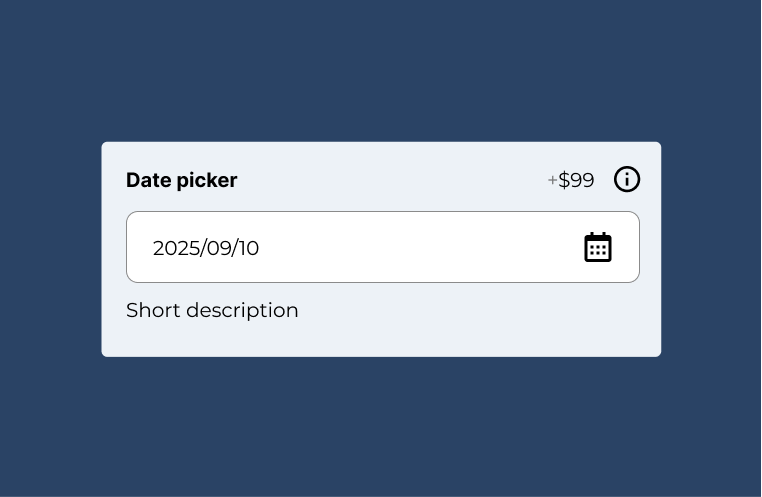
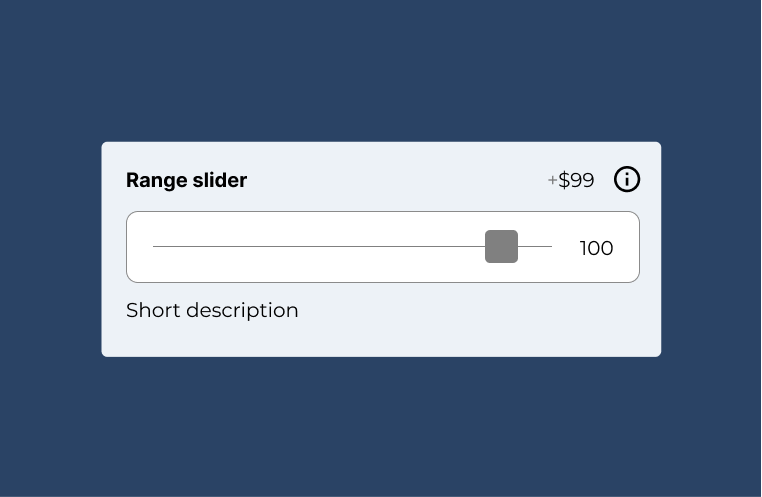
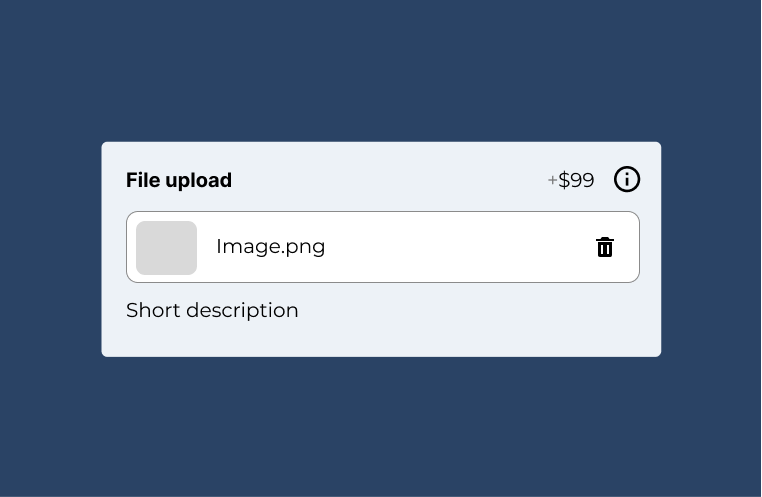
Head over to WCB > Inputs and create color pickers, date pickers, range sliders and file uploads

Update configurations
Head over to WCB > Configurations and add the step block to create stepper forms. Add the repeater block to create repeatable fields. And add filter block to create filter panel selections.

Test and publish
Test the newly added configuration fields. If everything is working as expected, you can publish your updated configuration form.
FAQ
Can I get a refund after purchase?
Yes, we offer a 14-day money-back guarantee if you are not happy with your purchase. Also check out our refund policy
Does the PRO version still work if I cancel my plan?
No, you will be downgraded to the free version.
Do you offer lifetime licenses?
Yes, we also offer lifetime licenses. Simply click the button “lifetime” or check the box “Pay once” in the checkout popup to purchase a lifetime license.
Where can I find my account payment details?
Upon purchase an account will be created for you if you don’t have any yet. You can then log in to your account section with the provided username and password to manage subscription and billing.


