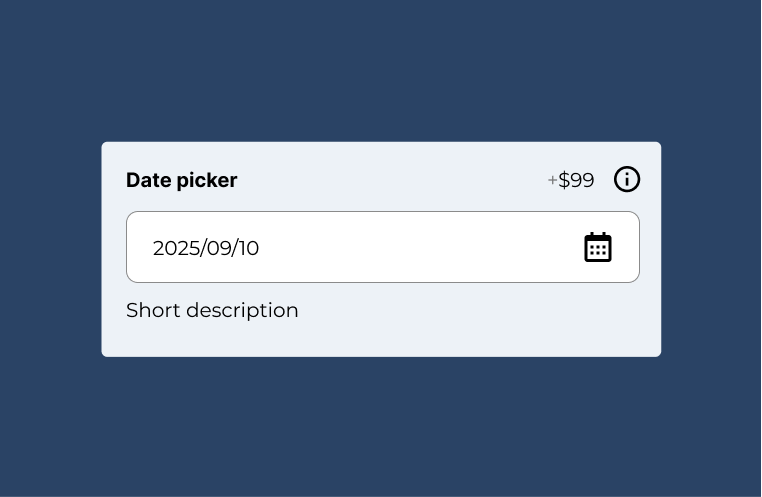
If you want to capture date selection you can use the date picker field.
Note: this field is part of the advanced fields add-on

Documentation
If you want to capture date selection you can use the date picker field.
Note: this field is part of the advanced fields add-on
To add new date picker field, head over to WCB > Inputs and add new input.
Next, select type “date picker” and configure the settings.
There are various options you can control: