
Block-based editing
Just like building website pages, you also build your configurator forms with blocks, offering more control and flexibility over how your form appears
Drag and drop
The Gutenberg editor is highly intuitive, with a drag-and-drop interface that allows you to easily rearrange blocks to structure your form content as you see fit.
Inline editing
You can click directly on a block to edit it, offering a streamlined and fast content creation process.
Configuration form blocks

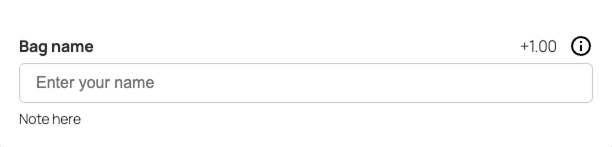
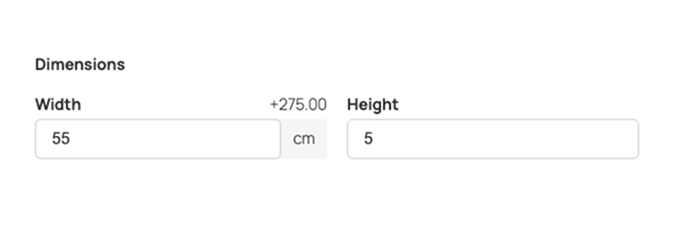
Field group
Displays a group of fields and allows you to put fields next to each other
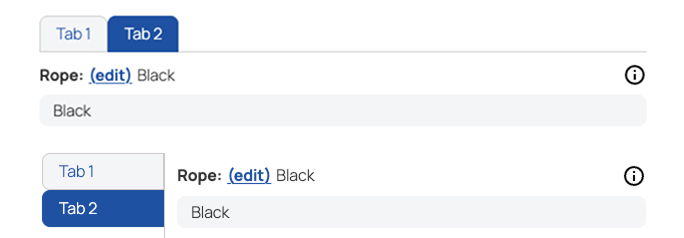
Tab group
Add fields in a tabbed field group to reduce space and make configurator less overwhelming

Shortcode
Display any content using a WordPress shortcode
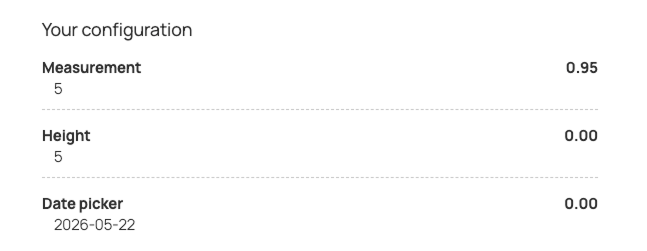
Summary
Displays a summary of the configuration options
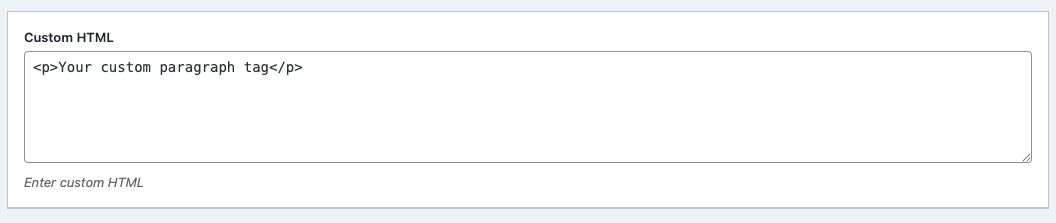
HTML
Display any custom HTML in your configurator form.
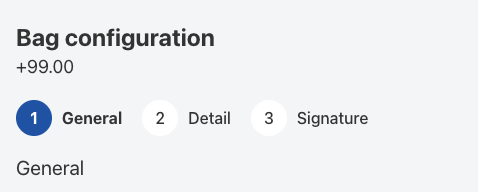

Repeatable group (pro)
Create a repeatable field group for various attributes. Supports multiple subfields per repeater.
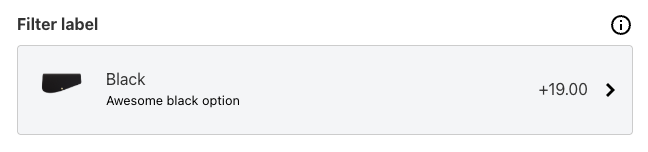
Field filter panel (pro)
Displays a list of similar attributes in a hidden off-page panel to reduce space. Useful for color selections or items. Optional support for search bar.