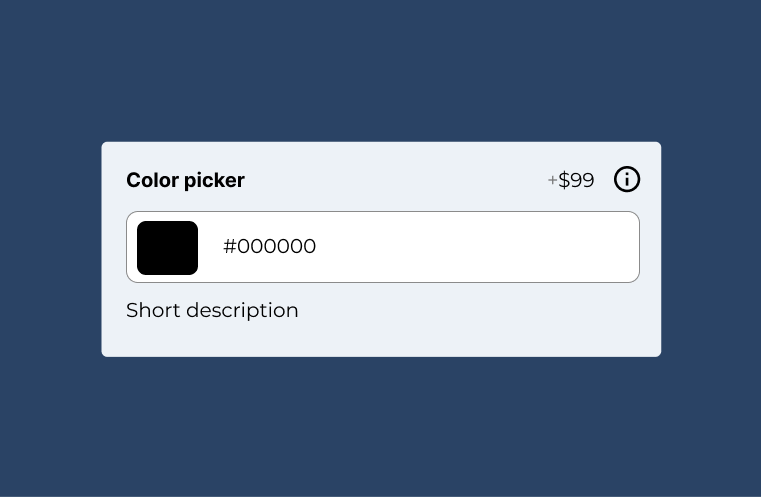
If you want to capture color selection you can use the color picker field.
Note: this field is part of the advanced fields add-on

Documentation
If you want to capture color selection you can use the color picker field.
Note: this field is part of the advanced fields add-on
To add new color picker field, head over to WCB > Inputs and add new input.
Next, select type “color picker” and configure the settings.
You can control whether you want to show or hide the color picker preview and if you wish to show picker inline or in an overlay.