


Drag and reposition custom text and images
Allow customers to drag around custom texts and images right on the product image canvas so they can put the text and images in their desired location.

Add visual rotate and resize controls
Allow text and images added by the customer to be resized on the canvas so they can rotate and resize the image to match their visual preference.
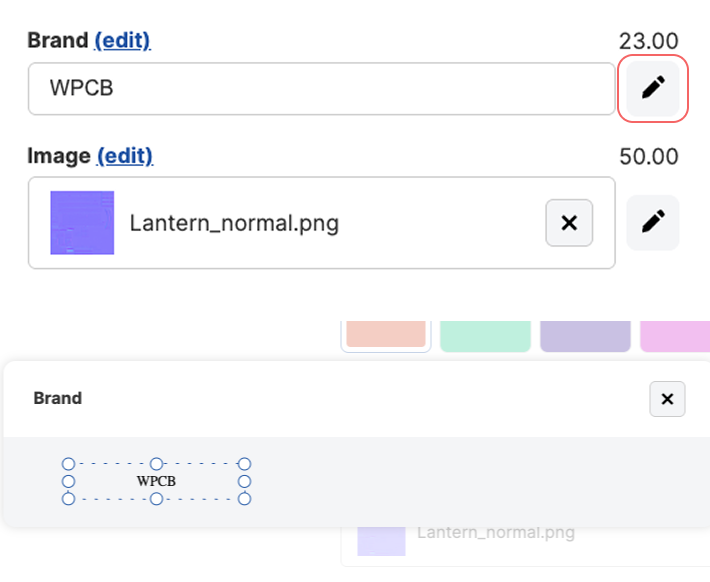
Add 3D drag and drop controls
We also support drag and drop controls in 3D viewer mode.
Customers will be able to drag and resize the text on the 3D model texture via an external popup control.
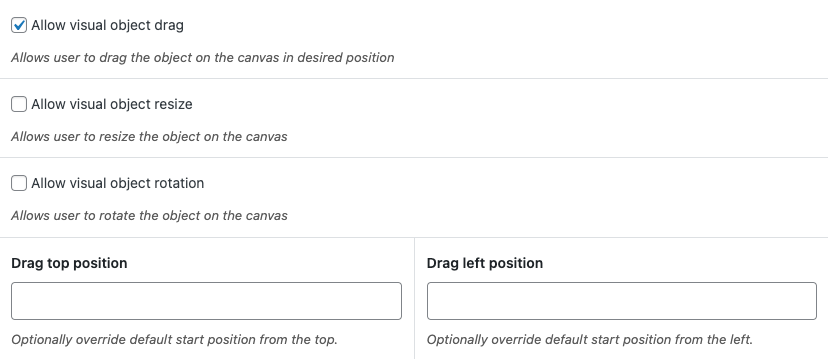
Simply check the boxes allow drag and drop for the input field and the popup will become available automatically.

FAQ
Does the visual drag controls work in 3D visual mode?
Yes, we also support drag and drop controls for 3D viewers. You can drag and resize the position on the 3D model around using controls in the configuration form.
Can I add text and images to the product image?
Absolutely! You can personalize the product image with text and images using the text visual controls. For image uploads you need our advanced fields add-on
Can customers see a preview of their uploaded image on the product?
Yes, if you use WCB visuals feature, you can overlay the uploaded image on the product mockup.


