

Finally a product configurator plugin that is easy and powerful
WCB Configurator Builder has all you need to create customizable products with ease; WooCommerce extra product fields, live preview updates, stackable image layers, request quotes and more!

Live visual updates
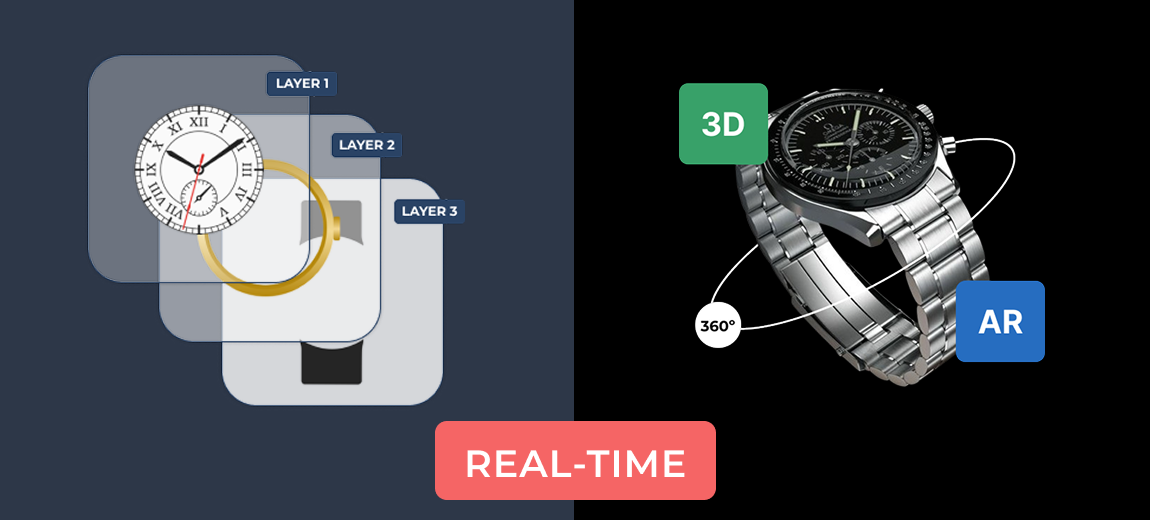
The WCB plugin comes with built-in support for live visual updates. Create a visual group and link it to your configuration so that each option you change will reflect in the product image.
- Stackable images
- Multiple image views
- 3D viewer

Dynamic pricing
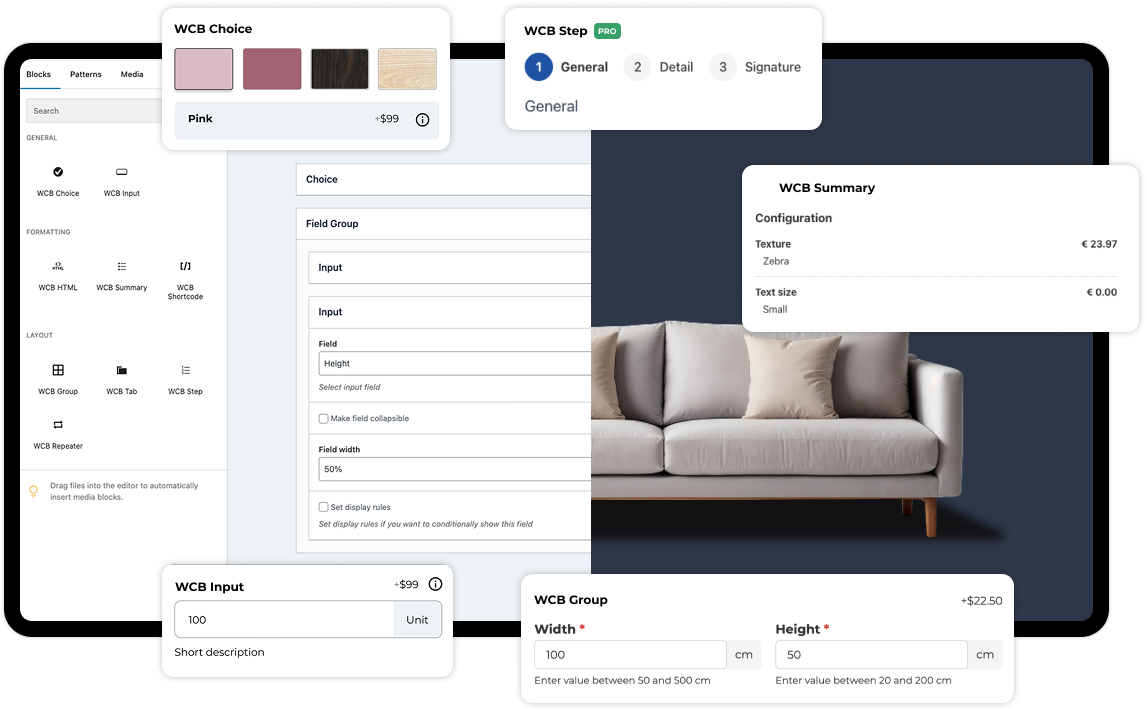
The plugin includes various types of price updates for free. You can set additional cost for each option, add a discounted sale price and even charge cost per unit using input fields. This allows you to charge cost per character or per numeric value.
- Fixed price updates
- Sale prices
- Unit prices

Extra product fields
Looking to extend your WooCommerce products with extra product fields? The WCB plugin comes with a variety of built-in custom fields, like swatches, option lists, button groups, input fields and more.
- Labels
- Swatches
- Input fields

Block theme and page builder support
The WCB plugin is compatible with the latest block-based themes and is supported by page builders as well, like Elementor, WP Bakery, Visual Composer, Divi, and more.
- Elementor
- Gutenberg
- Divi

WooCommerce integration
The plugin integrates with WooCommerce seemlessly. Extend products with custom fields or create full page product configurators based on WooCommerce products. Through the WooCommerce e-commerce system you can add configurations to cart and purchase them online.
- Cart
- Checkout
- Orders

Multi-language and RTL-display support
Translate the configuration labels into all kinds of languages. Includes support for RTL-display.
- WPML
- Polylang
- LocoTranslate
Build configurator forms for any type of product


Full support for visual customizations
A visual product configurator for WooCommerce and WordPress empowers you to offer a highly interactive and personalized shopping experience, allowing customers to customize products in real-time before making a purchase


WCB configurator inspiration
The plugin really is a multi purpose product configurator builder, which can be utilized in many industries. Below you will find some example configuration pages which you can build using the WCB configurator builder plugin.
Note: some examples use Pro plugin features.
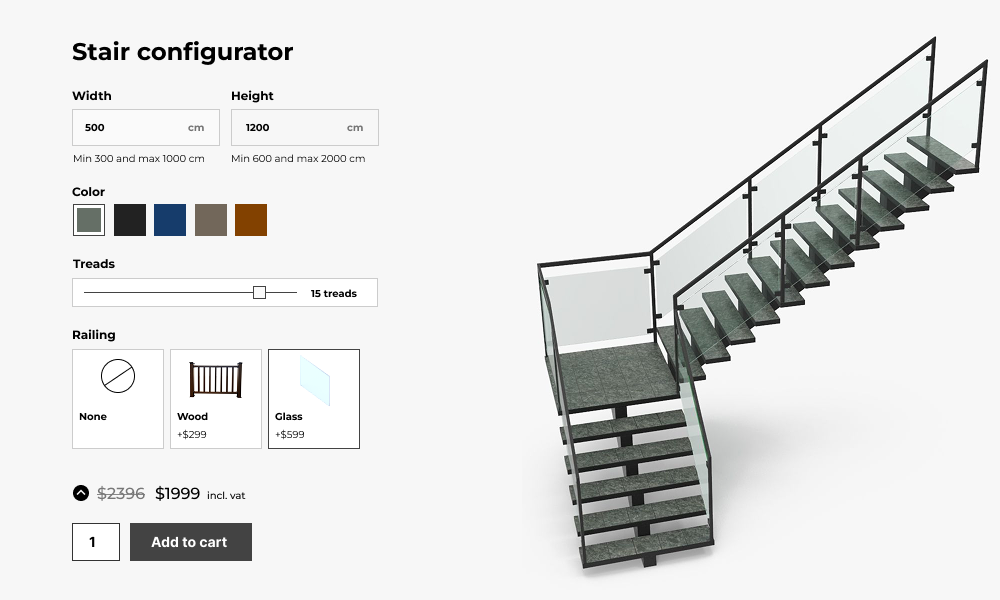
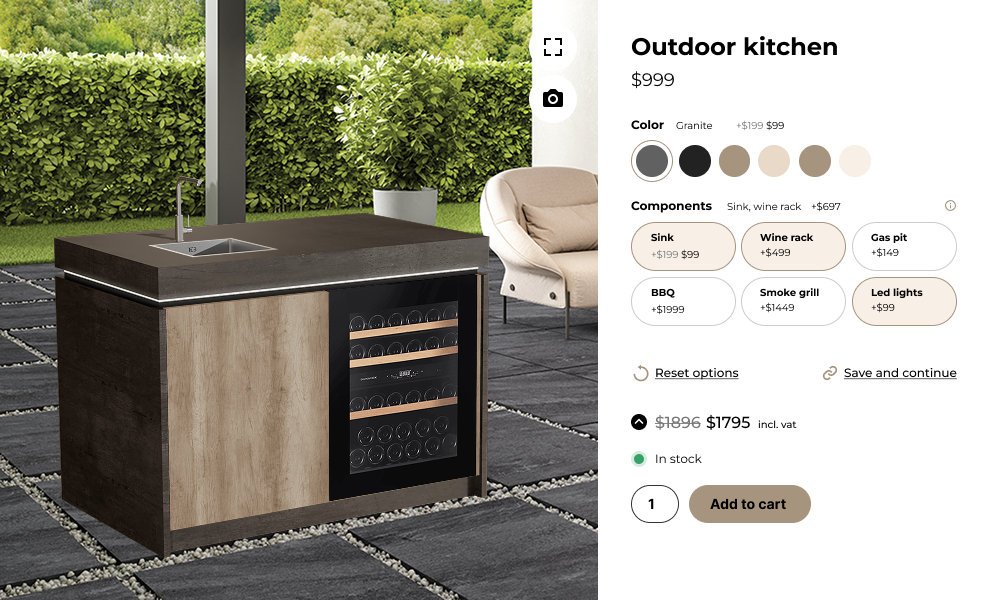


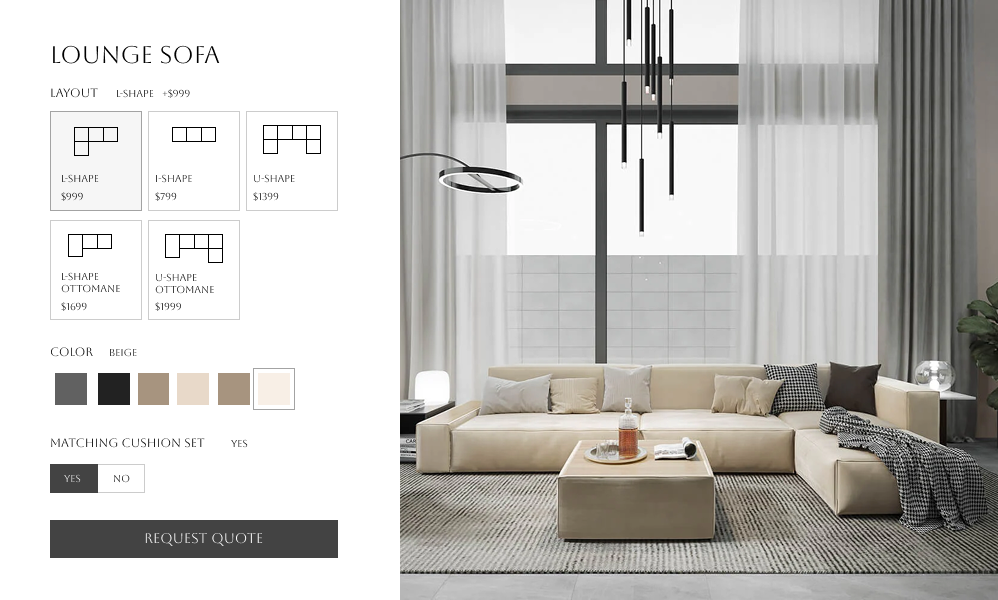

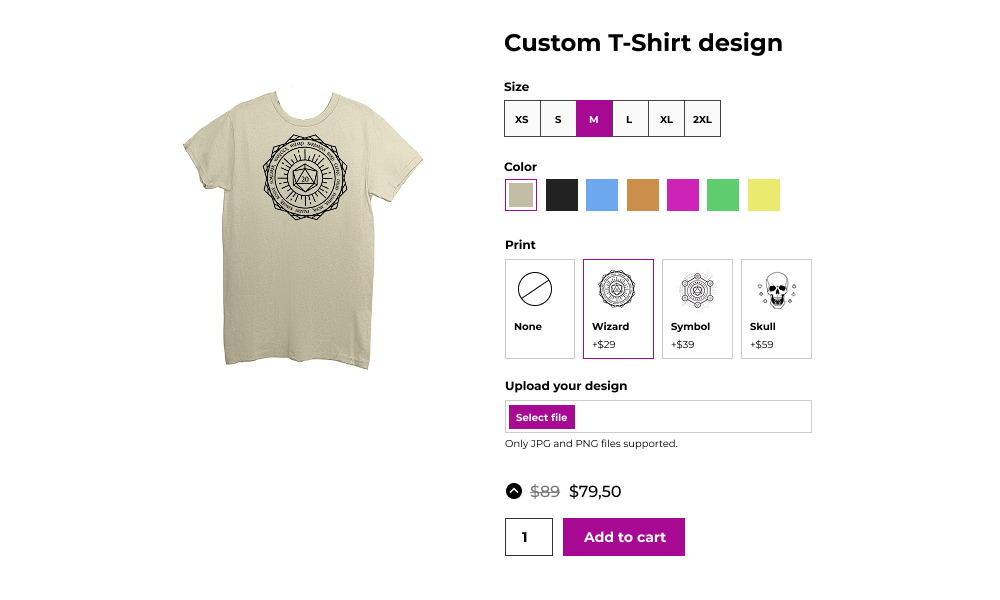
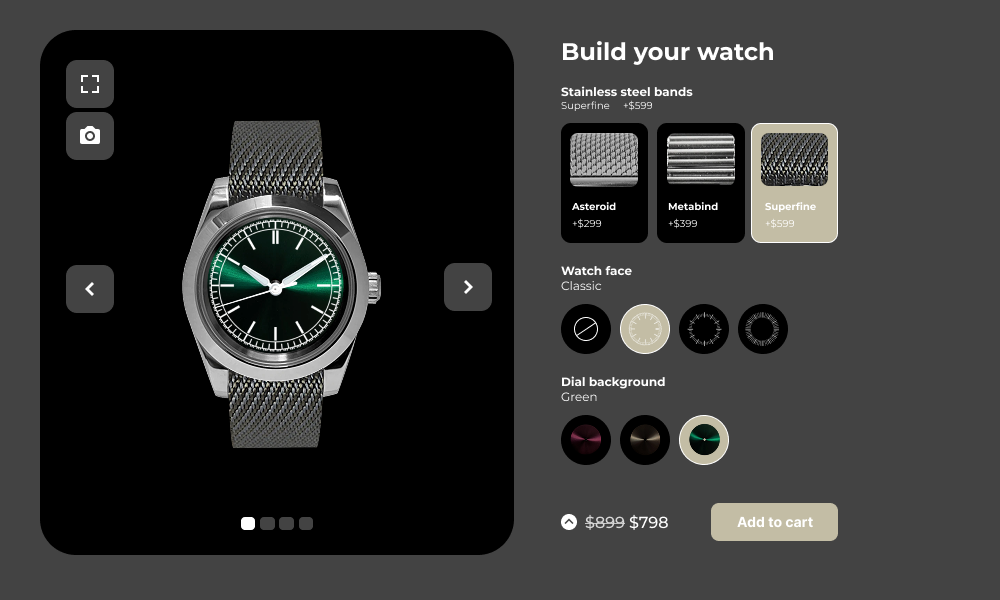
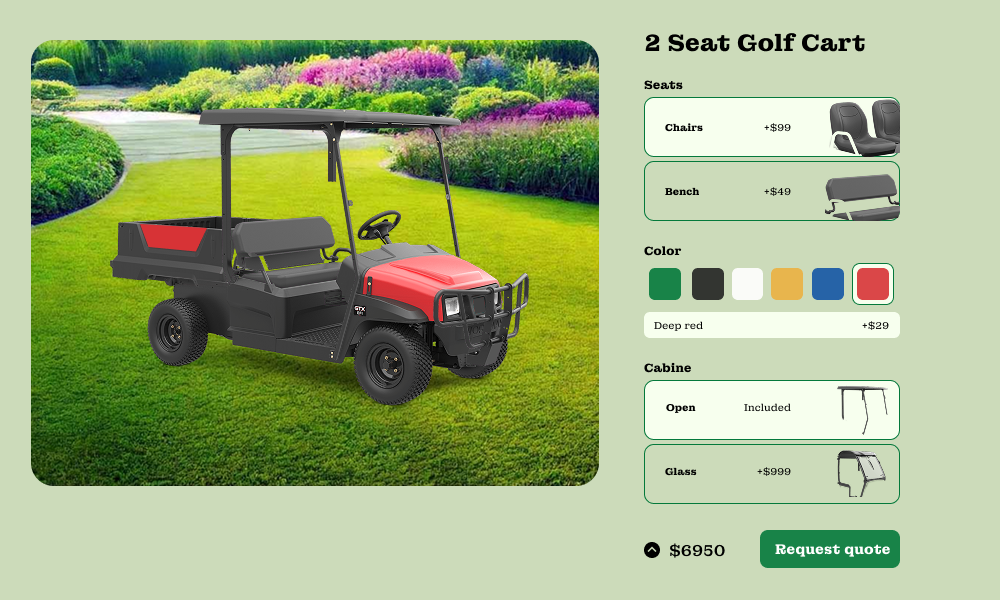
Choose from various pre-built templates
The plugin comes with a set of pre-built templates to help you speed up the configuration build. You can also choose to build your own templates using our available shortcodes


WooCommerce professionals use WCB to save a lot of time

“Perfect templates, great features, fast and very powerful for a Woocommerce site”

Unlock the full power with WCB pro
Experience the full power of the WCB configurator builder plugin. Create multi step forms, apply conditional logic, and more
Extend the plugin with various add-ons




Why store owners choose WCB


Unlimited configurators
Create unlimited product configurator forms right from your WordPress dashboard!









Global form customization controls
Customize your configurator form appearance on the settings pages. Change borders, styles, colors, fonts and icons.

Build product configurators in three simple steps
Create custom fields
Start by creating your custom inputs and choices for the product form
Build the configurator
Create the configurator form and display it on product pages or any other page
Link visuals and go live
Finally, link the visuals and launch your first product configurator in WCB
FAQ
Have questions? We have answers! Please visit the FAQ page for a full overview of all questions and answersWill the plugin work with my theme?
The plugin is optimized to work with all well-coded themes and page builders.
Is WCB compatible with Elementor or Gutenberg?
Yes, WCB works with both. You can insert configurator products on any page or template. Or transform WooCommerce pages by linking the configuration to a WooCommerce product.
Does the plugin have a limit on amount of configurations?
No, the plugin does not have limit on amount of configurations you can create. You can create unlimited amount of configurations in WordPress.
How many options can I add for each choice?
Depends on your server speed, but we are confident the plugin handles up to 50 attribute options per choice (or more). There is practically no limit to the amount of options you can add.
Can I add text and images to the product image?
Absolutely! You can personalize the product image with text and images using the text visual controls. For image uploads you need our advanced fields add-on
Is this a product designer plugin?
No, this is a product configuration plugin. You can add text and images in the product image, but we do not have a designer interface where you can drag and drop items onto the canvas.