What is the save configuration to wishlist feature?
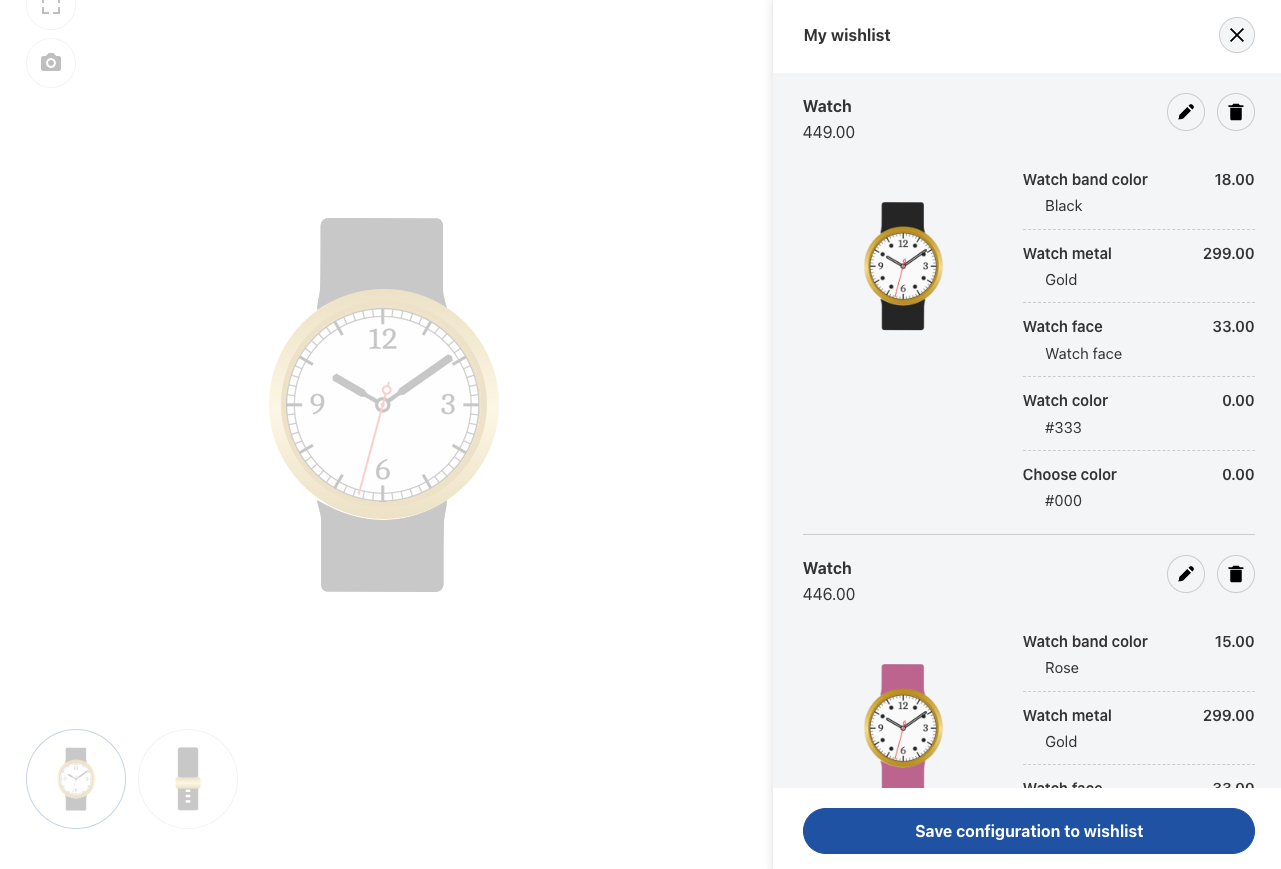
The save to wishlist feature allows users to save their personalized configurations of products directly to their wishlist.
Whether it’s a custom-built sofa with specific fabric choices, a tech gadget with selected add-ons, or a made-to-order piece of jewelry, customers can store all the unique options they’ve selected and return to them whenever they wish.
This feature ensures a smoother, more convenient shopping experience by saving time and offering users the flexibility to come back to their preferences later.
Why use save configuration to wishlist?
Drive higher conversion rates
Save configuration to wishlist is a valuable feature that enhances the customer experience, reduces friction, and encourages repeat visits and purchases.
Reduce cart abandonment
By giving your customers the option to save their customized product configurations, you ensure that they never lose their progress and can return at any time to complete their purchase.
Increase customer satisfaction
This feature works especially well for businesses that sell products with multiple customization options or those that want to offer a more flexible, personalized shopping experience.
Use cases for save configuration to wishlist feature

Customers can save personalized gift sets or registry items to their wishlist, allowing them to revisit the list later or share it with friends and family.

For customers who want to make a special order, such as personalized engraving on a product or a unique bundle, the save configuration to wishlist feature allows them to save their selections until they’re ready to proceed.


Key features and benefits



How it works
Customize the product
A customer selects a product and customizes it by choosing from a range of options such as size, color, features, or other attributes.
Save to wishlist
Once the configuration is complete, the customer can click the “Save to Wishlist” button, which stores their personalized choices for future access.
Access wishlist
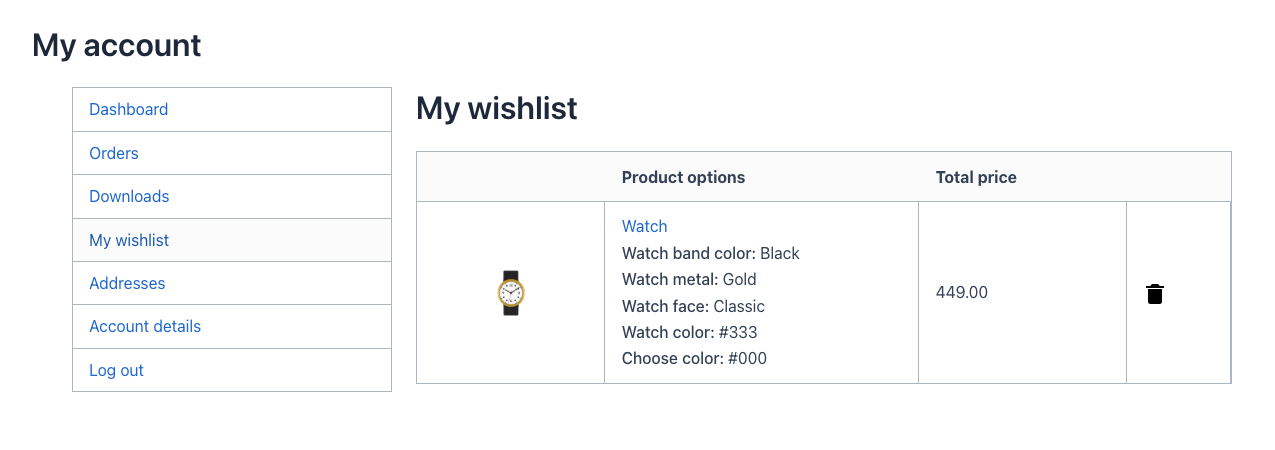
The customer can access their wishlist at any time, whether they’re logged in to their account or browsing on another device, and see their saved configurations.
Complete purchase
When the customer is ready to purchase, they can return to the wishlist, review their saved configurations, and add the item to their cart with all the customizations intact.