Configuration templates
The plugin comes with a set of pre-built configuration templates to get you started quickly:
- Form only
- Form and summary
- Visual and form
- Visual and form (inverse)

Documentation
The plugin comes with a set of pre-built configuration templates to get you started quickly:
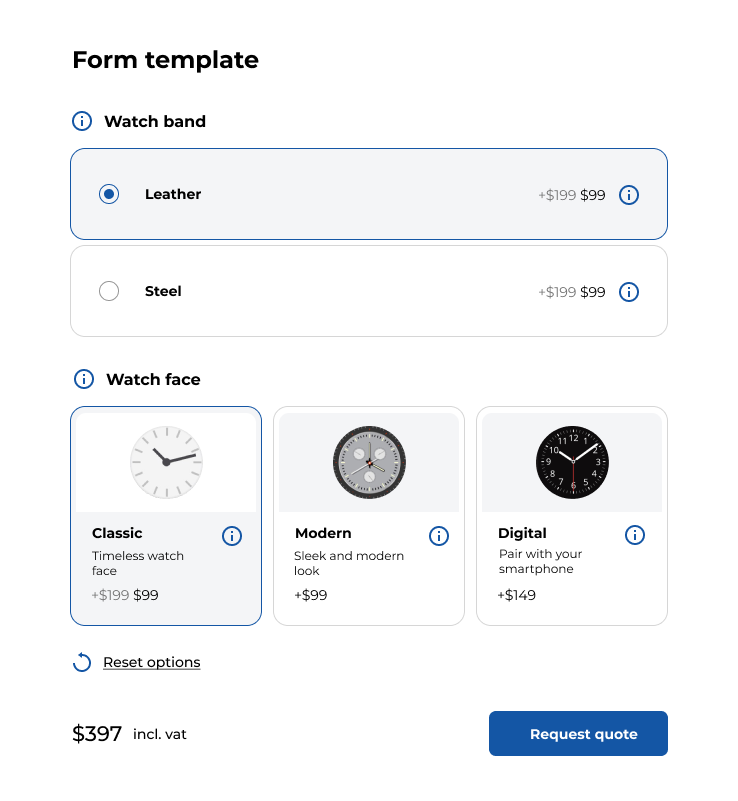
The form template only displays the form. No preview. This can be useful for calculation forms where no visual representation is required.
The form and summary also does not include a visual representation. It only shows the form and the summary. This is useful for large configuration forms, where the customer can review his selected options at all times.
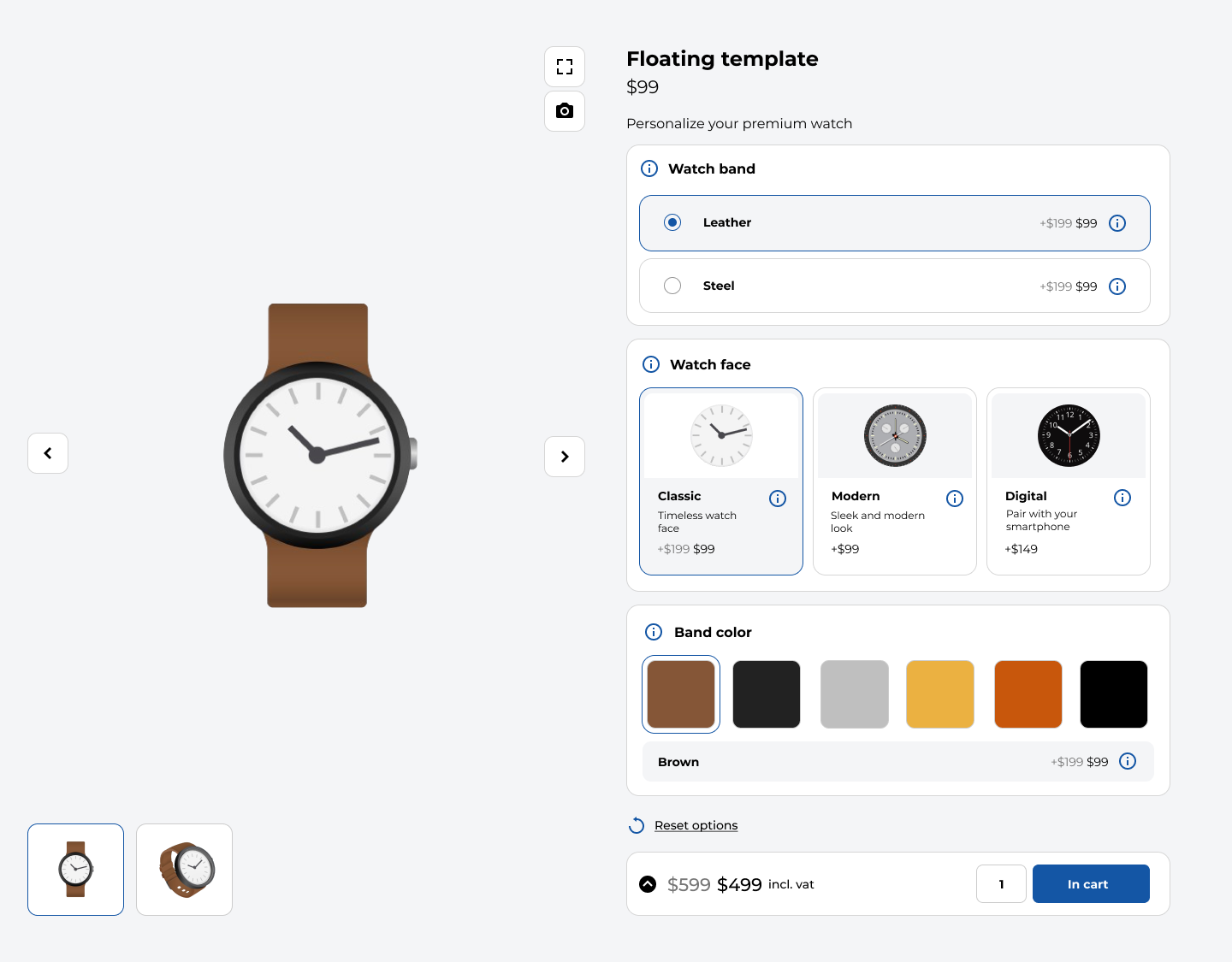
The visual and form template shows a visual representation of the configuration. This is useful when you want to create a visual product configuration form where the visual representation of the product is crucial.
We also have the same template with inverse display, blending the image inside the template.
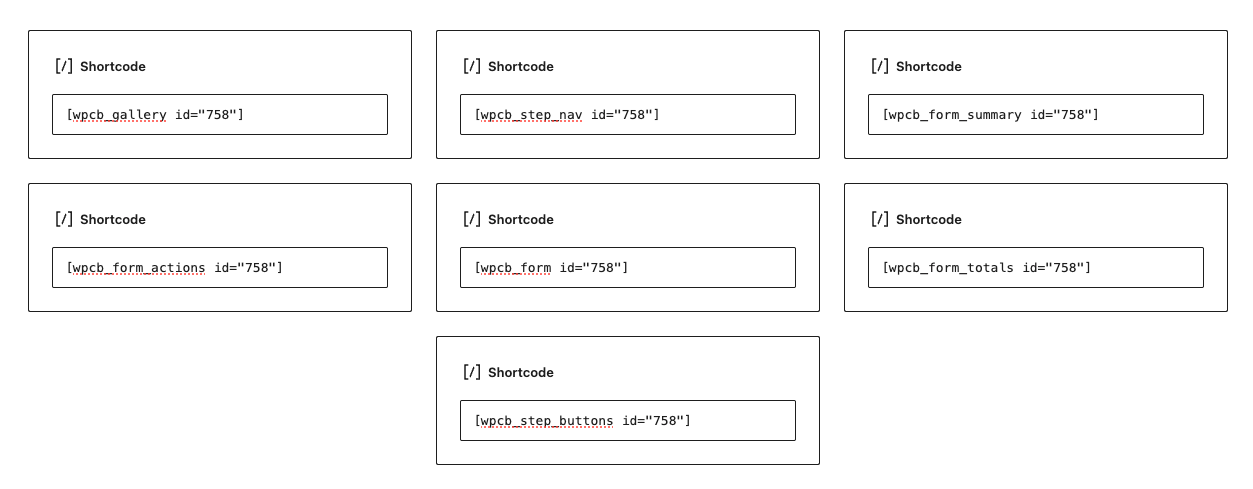
If you are not satisfied with the pre-built templates, you can also design your own template with the shortcodes provided by our plugin. Each shortcode functions as a separate component which can be placed anywhere on the page.
These are the elements you can choose from and their corresponding shortcodes:
Example: