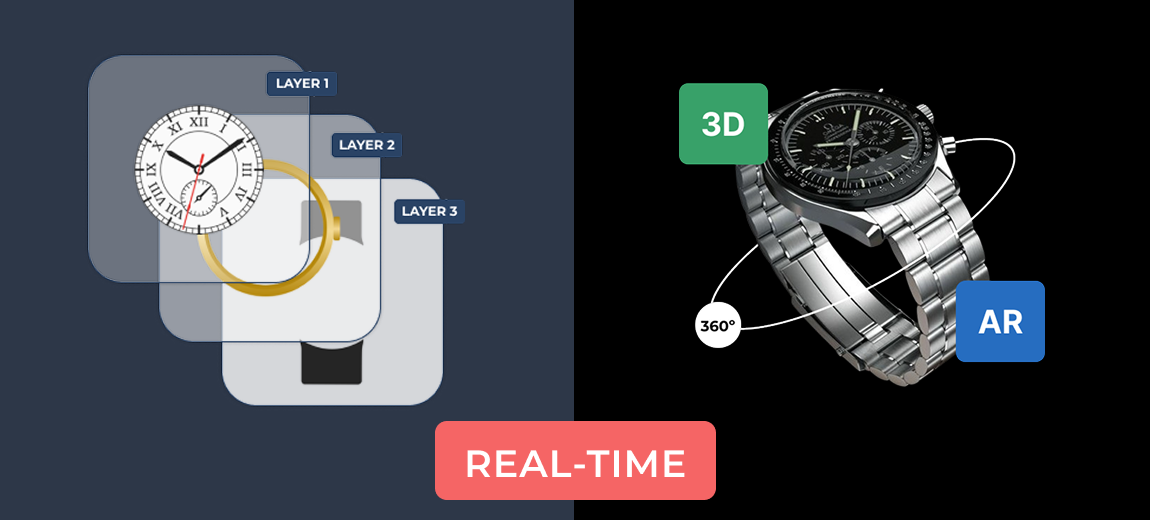
If you’re running a WooCommerce store and want to offer customizable products, you’ve likely come across two main types of plugins: product configurators and product designers.
While both enhance the shopping experience by enabling product customization, they serve very different purposes.
In this article, we’ll break down the key differences between these two tools, highlight their use cases, and help you decide which one is best for your store.
Understanding the basics
Before we start the comparison, let’s explore both product tools shortly.
What is a product configurator?
A product configurator allows customers to personalize products by selecting from a list of pre-defined options. These options might include colors, sizes, materials, or specific components of a product.
Think of it as a guided step-by-step process where each choice affects the next, resulting in a tailored product configuration.
Example use cases:
- A custom-built PC with various processor, memory, and storage options
- A modular sofa where users choose fabric, color, and seating layout
- A jewelry product where users select metal type, stone, and size
What is a product designer?
A product designer, on the other hand, is a visual tool that lets users create completely personalized designs by adding text, uploading images, choosing fonts, and arranging elements on a canvas.
This is common for print-on-demand businesses.
Example use cases:
- Personalized T-shirts with user-uploaded graphics or text
- Custom mugs with quotes or photos
- Business cards with full layout control
Feature comparison: product configurator vs product designer
| Feature | Product Configurator | Product Designer |
|---|---|---|
| Customization style | Structured & option-based | Freeform & visual |
| User input | Predefined options | Text, images, drawings |
| Live preview | Based on layers or swatches | WYSIWYG canvas editor |
| Setup complexity | Moderate | Advanced |
| Performance | Fast & lightweight | Heavier due to rendering |
| Best for | Modular or bundled products | Visually customized items |
Product configurator use-cases
A product configurator is ideal if:
- Your products have defined parts or variations
- You want to control what users can and cannot select
- You’re offering technical or functional customizations
This is common in industries like furniture, electronics, or automotive.
For example, building a bicycle with selectable frame, gears, and tires is a perfect fit for a configurator.
Product designer use-cases
Choose a product designer if:
- You offer creative or print-on-demand products
- You want customers to upload their own content
- Your business revolves around visual appeal and uniqueness
This is ideal for custom apparel, gift items, stationery, or any product that benefits from personal artwork or messages.
Final thoughts
Both product configurators and product designers have their place in the WooCommerce ecosystem.
The right choice depends on the type of product you’re selling and the level of customization you want to offer.
- Go with a product configurator if you’re selling structured products with logical combinations.
- Choose a product designer if creativity and visual customization are core to your product offering.
By choosing the right plugin, you’ll not only enhance your customers’ experience but also streamline your order management process—ensuring your business runs smoothly from design to delivery.
Looking for a configurator builder?
If you are looking for a product configurator, the WCB configurator builder is an excellent choice. It is fast, easy to manage and has a lot of add-ons to help you maximize your product configurator potential.