

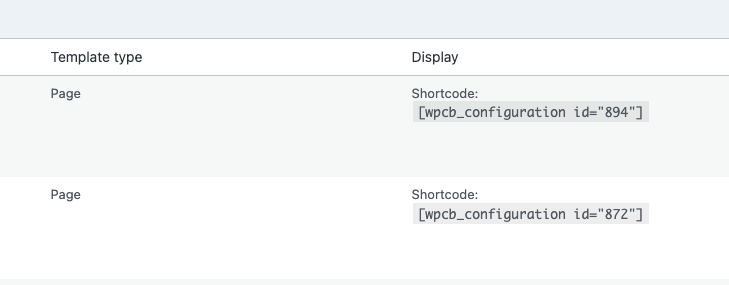
What is a shortcode in WordPress?
A shortcode in WordPress is a simple code enclosed in square brackets ([ ]) that allows you to add specific functionality or content to a page or post.
Instead of manually embedding complex HTML or PHP code, you simply insert the shortcode, and WordPress takes care of the rest. Shortcodes are often used for things like displaying forms, embedding videos, or adding custom elements without needing to touch any code.

How to add a shortcode in WordPress
To use a shortcode, simply add it to the content editor of any page, post, or widget. Here’s how:
- In the Block Editor (Gutenberg): Use the Shortcode block, which you can find by typing “Shortcode” in the block search. Paste the shortcode into this block.
- In the Classic Editor: Simply paste the shortcode directly into the content area where you want it to appear.
Available shortcodes
The plugin has a few shortcodes available:
- wpcb_configuration
- wpcb_configuration_wrapper
- wpcb_configuration_wrapper_close
- wpcb_gallery
- wpcb_gallery_nav
- wpcb_form_title
- wpcb_form
- wpcb_form_totals
- wpcb_form_actions (pro)
- wpcb_form_summary
- wpcb_step_buttons (pro)
- wpcb_step_nav (pro)