
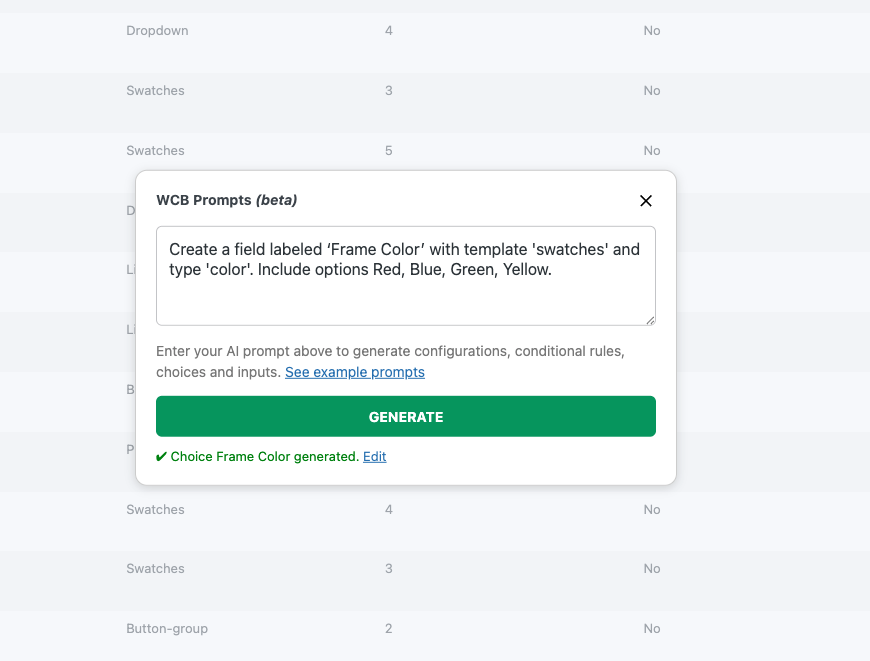
Generate choices
This add-on allows you to generate WCB choices based on command prompts. You can enter something like:
Create a field “Colors” with template ‘swatches’ and options (Red, RD, 5), (Green, GR, 10), (Blue, BL, 15)
Each option block supports a title, sku and price value.
Generate inputs
You can also generate input fields. Enter something like:
Create number field “Length” with min 5 and max 50 and step 5
Where min and max are the min and max allowed numeric values.
Generate conditional rules
This add-on also allows you to generate rules for configurations. You can enter something like:
Show “Enter a name” input when “T-shirt name” is “true” in configuration “T-Shirt”
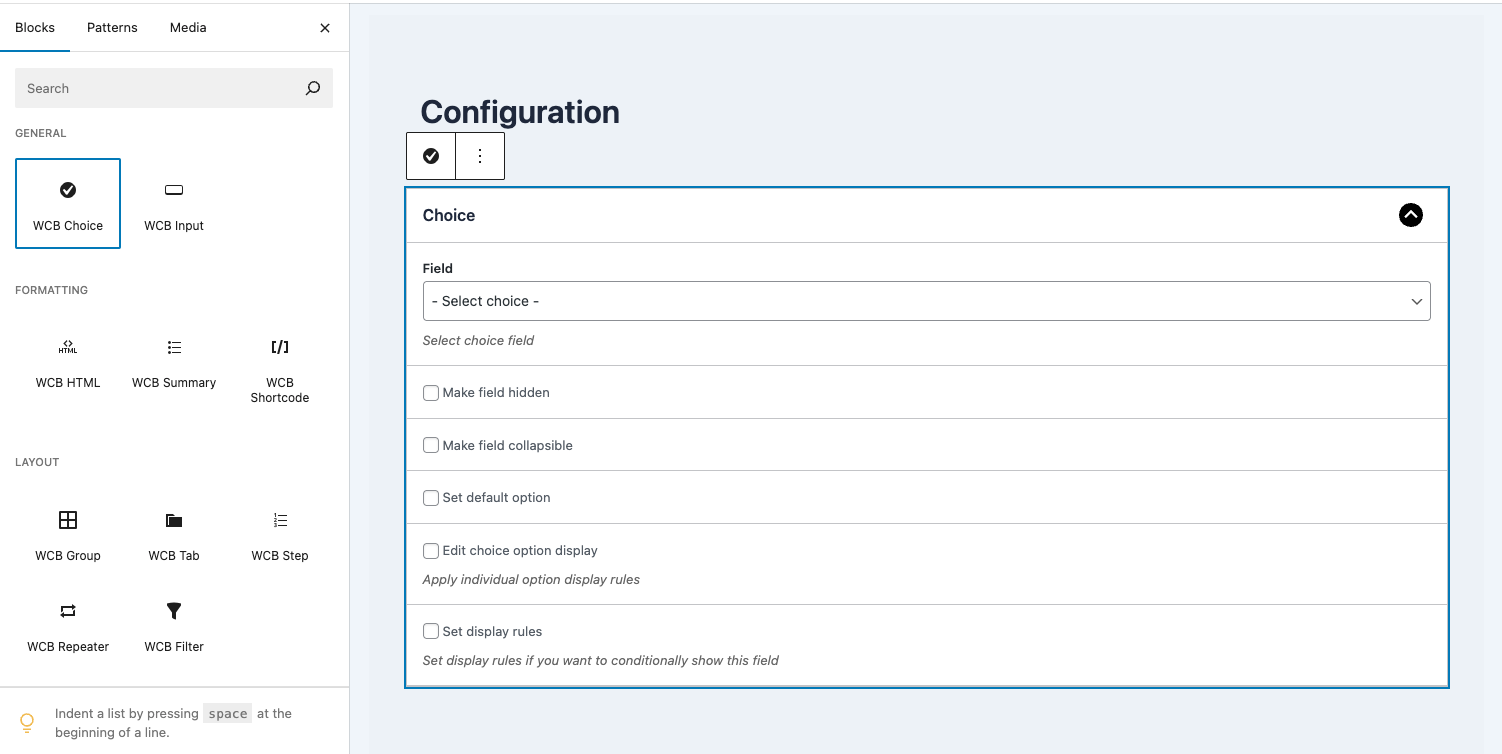
Generate configurations
The WCB prompts add-on also allows you to generate configuration forms. Note: the inputs and choices have to be created beforehand.
After creating the inputs and choices, you can enter something like:
Create configuration “T-Shirt” with field “Color” and “Length” with base price of 99
We don’t support generating new fields and choices while creating configurations yet.
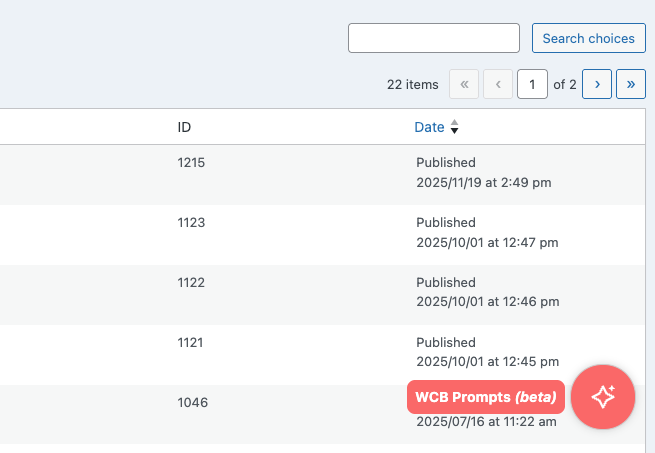
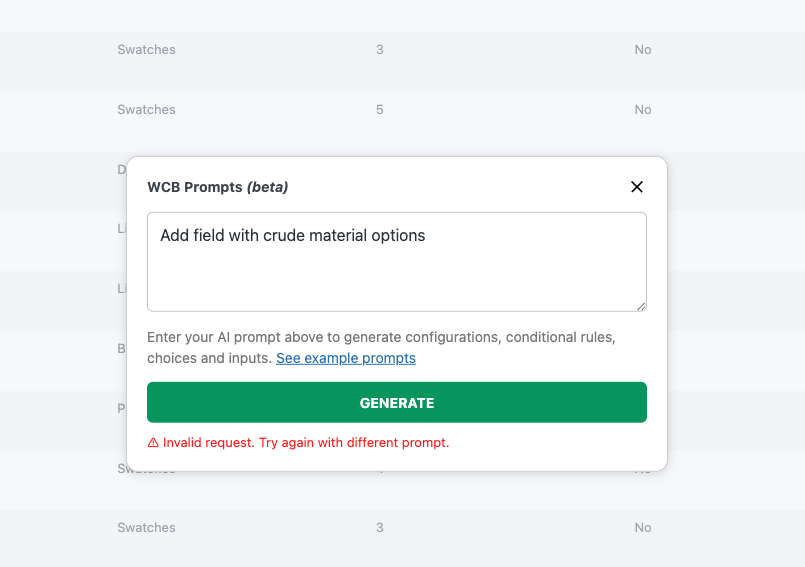
AI Prompts
Choose the plan that fits you best
Personal
$39/annual
$99/once
- Install on 1 site
- 12 month updates and support
- 14-day moneyback guarantee
Plus
$79/annual
$199/once
- Install on 5 sites
- 12 month updates and support
- 14-day moneyback guarantee
Power
$149/annual
$399/once
- Install on 25 sites
- 12 month updates and support
- 14-day moneyback guarantee
Get all add-ons at once and save over 60%!
Get instant access to all our current and future add-ons with our bundle deal