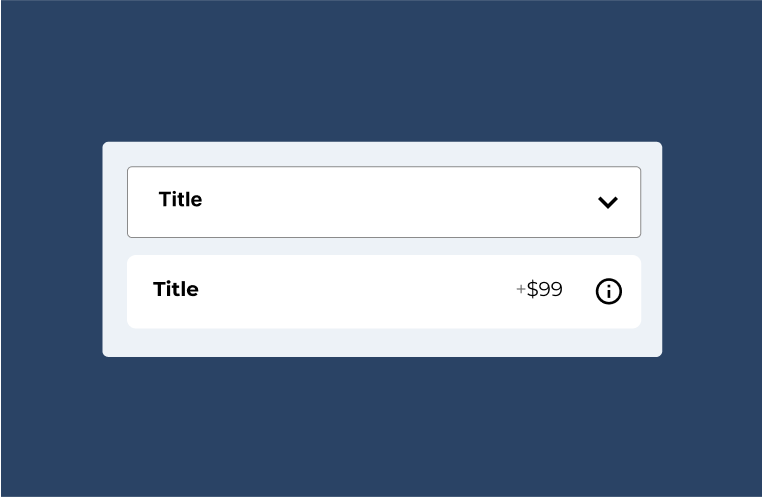
The dropdown is a common type to present selectable configuration options.
Multi select dropdown is not supported at the moment. You should use a different template for now, like option list or cards.

Documentation
The dropdown is a common type to present selectable configuration options.
Multi select dropdown is not supported at the moment. You should use a different template for now, like option list or cards.
To create a new dropdown, head over to WCB > Choices and add new choice
Next, select Dropdown as your template and choose your preferred type (label, font, color, url).
Finally, add in the available options to the options list.
There are a few presentation options you can control, like dropdown placeholder and summary display.
If you want to add image select field, you should get the advanced fields add-on
The image select field allows you to display thumbnails, prices and notes directly inside the dropdown item element.